Line of Sight Reader
This page explains how to use the Line of Sight Reader to visualize Line of sight IDS data structures.
Supported IDSs
Currently, the following IDS and structures are supported in the Line of Sight Reader:
IDS |
Structure |
|---|---|
|
|
|
|
|
|
|
|
|
|
|
|
|
|
|
|
|
|
|
|
|
|
|
Using the Line of Sight Reader
The Line of Sight Reader functions similarly to the GGD Reader, with the same interface and data loading workflow. This means that the steps for loading an URI, an IDS, and selecting attributes are identical. Refer to the GGD Reader for detailed instructions on:
Loading an URI: How to provide the file path or select a dataset.
Loading an IDS: How to load a dataset and display the grid.
Selecting attribute arrays: How to choose and visualize attributes.
Setting the Scaling Factor
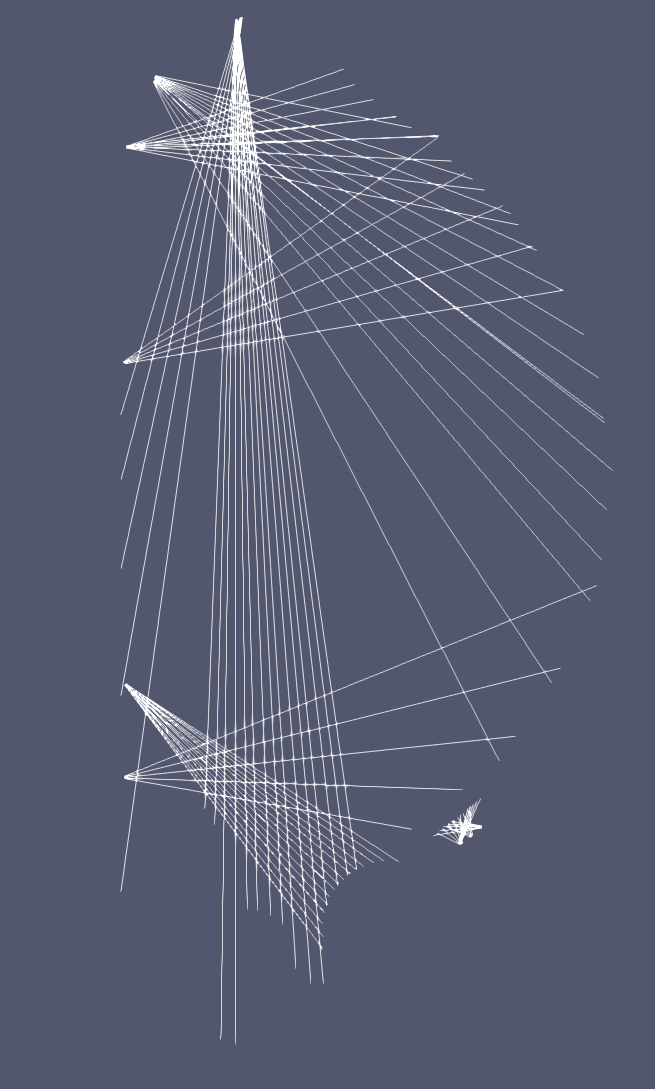
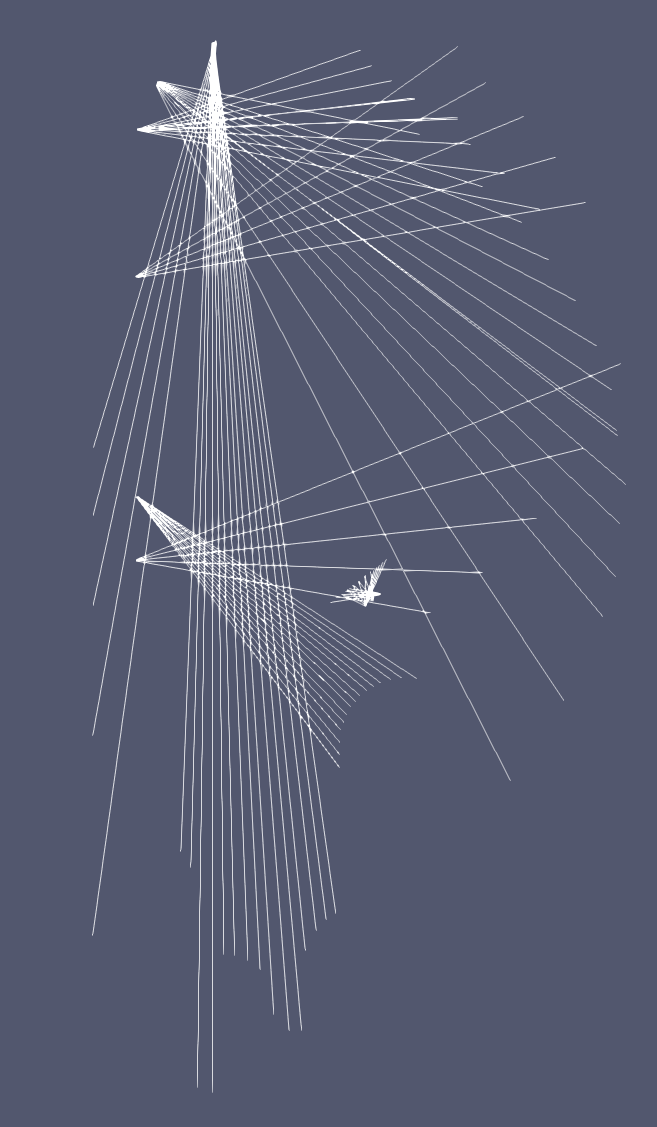
The Line of Sight Reader allows you the change the length the of the line-of-sight, using the
Scaling Factor. This factor allows you to scale the line-of-sight to be either longer or shorter
than its original length. Additionally, the Scaling Factor can be set to a negative value,
which will invert the direction of the line-of-sight.
|
|
Line of sights of vacuum vessel cameras in bolometer IDS, with |
Line of sights of vacuum vessel cameras in bolometer IDS, with |