Geometry Reader (Axisymmetric)
This page explains how to use the Geometry Reader (Axisymmetric) to visualize the axisymmetric active poloidal field coils, as well as axisymmetric passive conductor structures.
Supported IDSs
The following IDS and structures are supported in the Geometry Reader (Axisymmetric):
IDS |
Structure |
|---|---|
|
|
|
|
|
|
|
|
|
Using the Geometry Reader (Axisymmetric)
The Geometry Reader (Axisymmetric) functions similarly to the GGD Reader, with the same interface and data loading workflow. This means that the steps for loading an URI, an IDS, and selecting attributes are identical. Refer to the GGD Reader for detailed instructions on:
Loading an URI: How to provide the file path or select a dataset.
Loading an IDS: How to load a dataset and display the grid.
Selecting attribute arrays: How to choose and visualize attributes.
Setting the Geometry Resolution
The Geometry Reader (Axisymmetric) allows you to change the resolution parameter that
controls how many points are used to render the arcs_of_circle and annulus geometries.
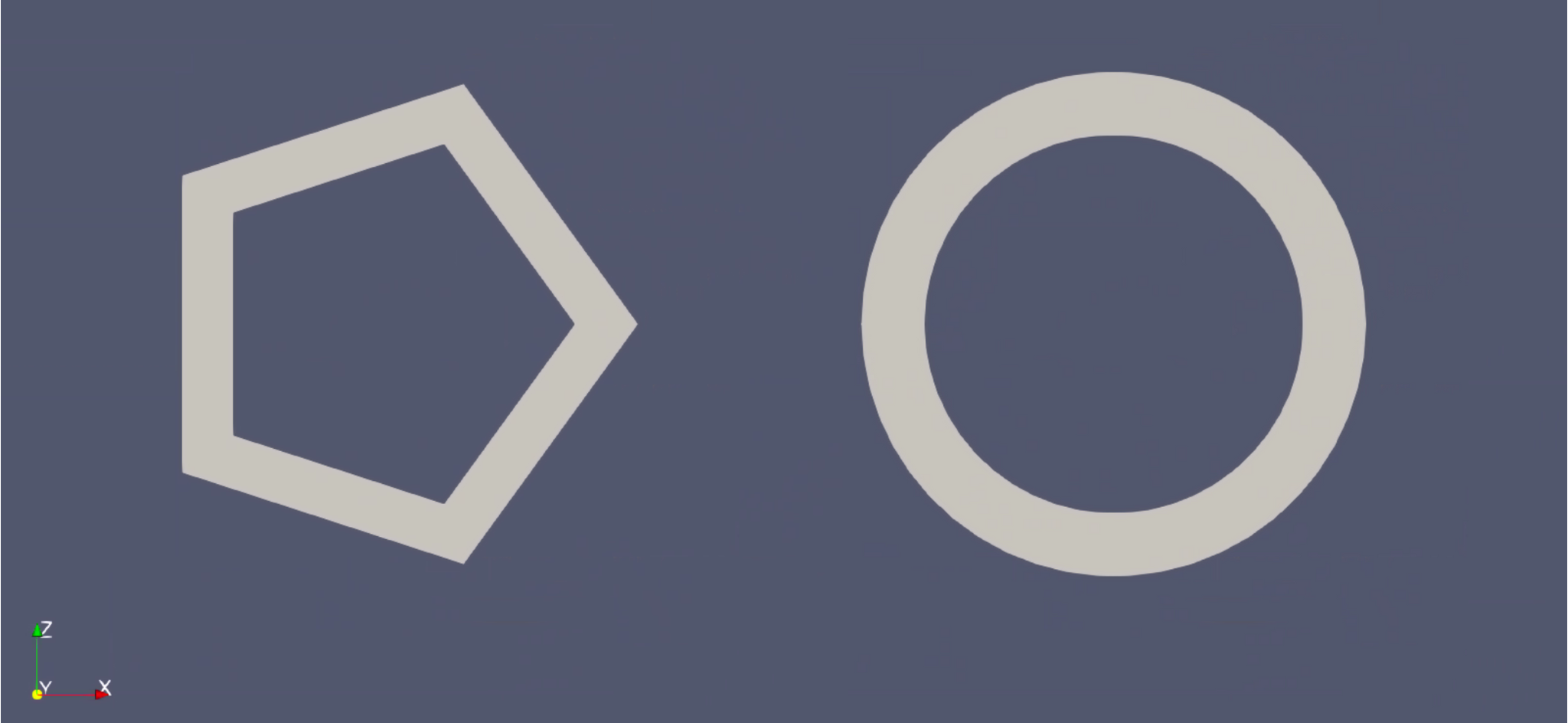
annulus geometry element with a resolution of 5 (left) and a resolution of 50 (right)