Training Examples
This section presents a step-by-step walkthrough of the examples from the IMAS-ParaView training held on June 17–18, 2025.
These steps assume that you have IMAS-ParaView up and running, for details on this, see Installing IMAS-ParaView. Furthermore, it is assumed that you have access to SDCC, as the data used for the examples is loaded from SDCC. It is advised to have some experience with IMAS-ParaView before starting this, so consider having a look at the instructions for Plugins. It is recommended to stick to the order as presented here, as the later training sections introduce more advanced concepts.
At the start of each section, a ParaView .pvsm state file is also provided for your convenience. This can be loaded into ParaView and will automatically load the entire example setup for you. However, if it is your first time going through the examples, it is recommended to follow the step-by-step walkthrough manually, to become familiar with the workflow of IMAS-ParaView.
Note
The ParaView state files have been tested with IMAS-ParaView version 2.4.0,
but may not work for different versions. If you get any errors when loading the state file,
it is recommended to revert your IMAS-ParaView version to 2.4.0. Please also
report an issue so the
state files can be updated.
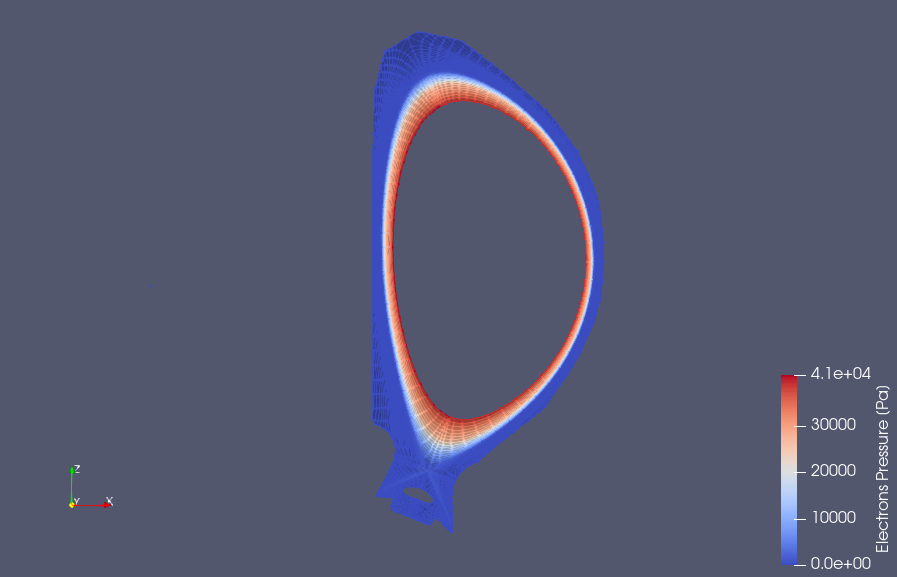
1. SOLPS-ITER Case

2. JOREK Case

3. Machine Description Case
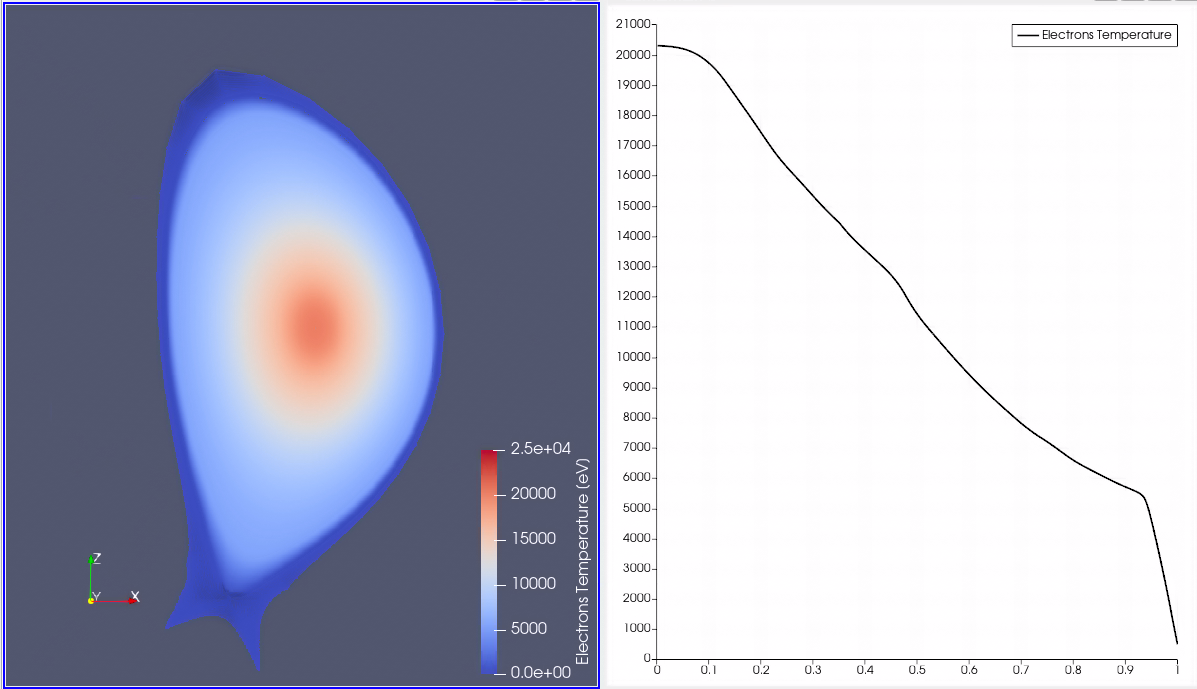
4. JINTRAC Case
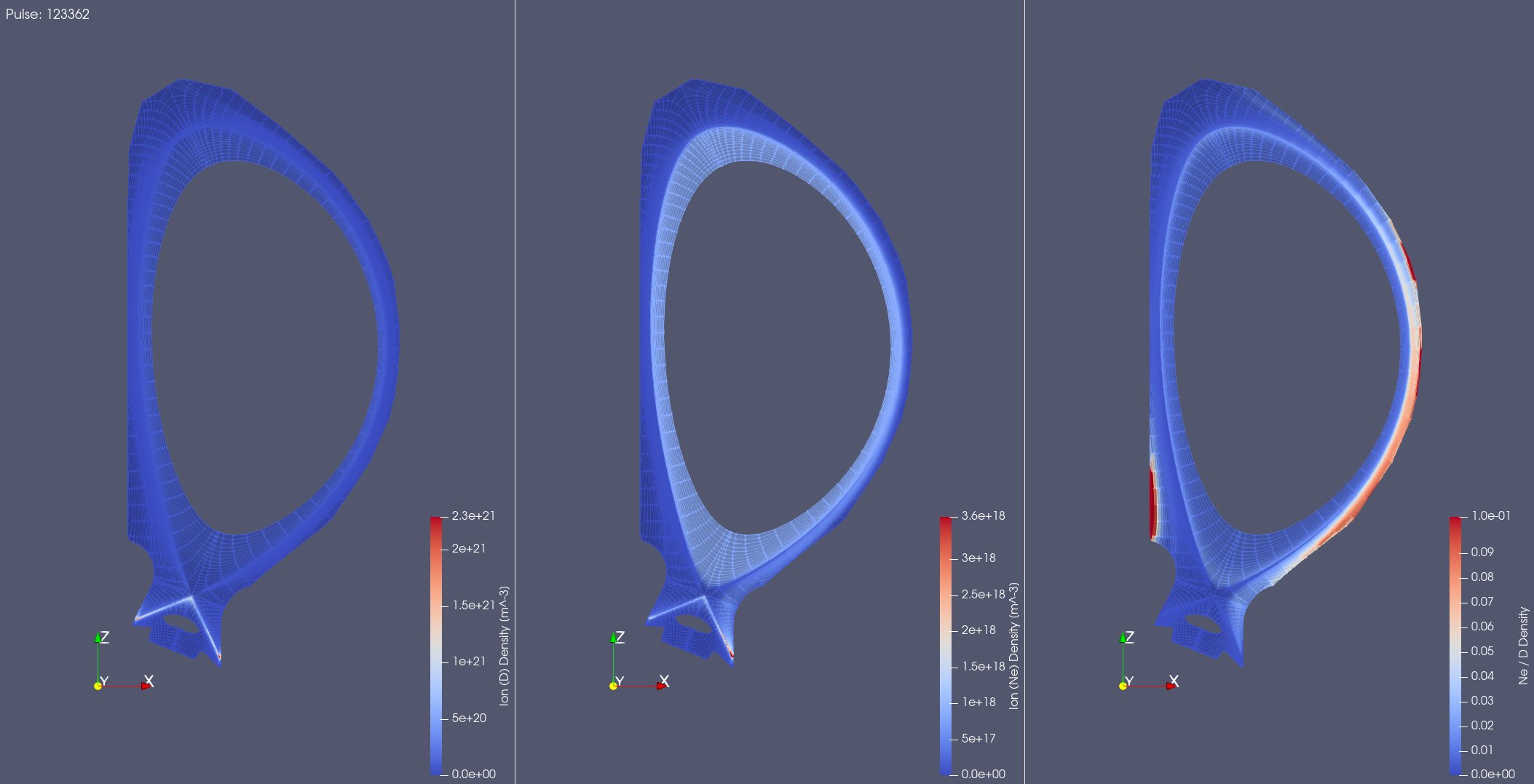
5. Batch Processing